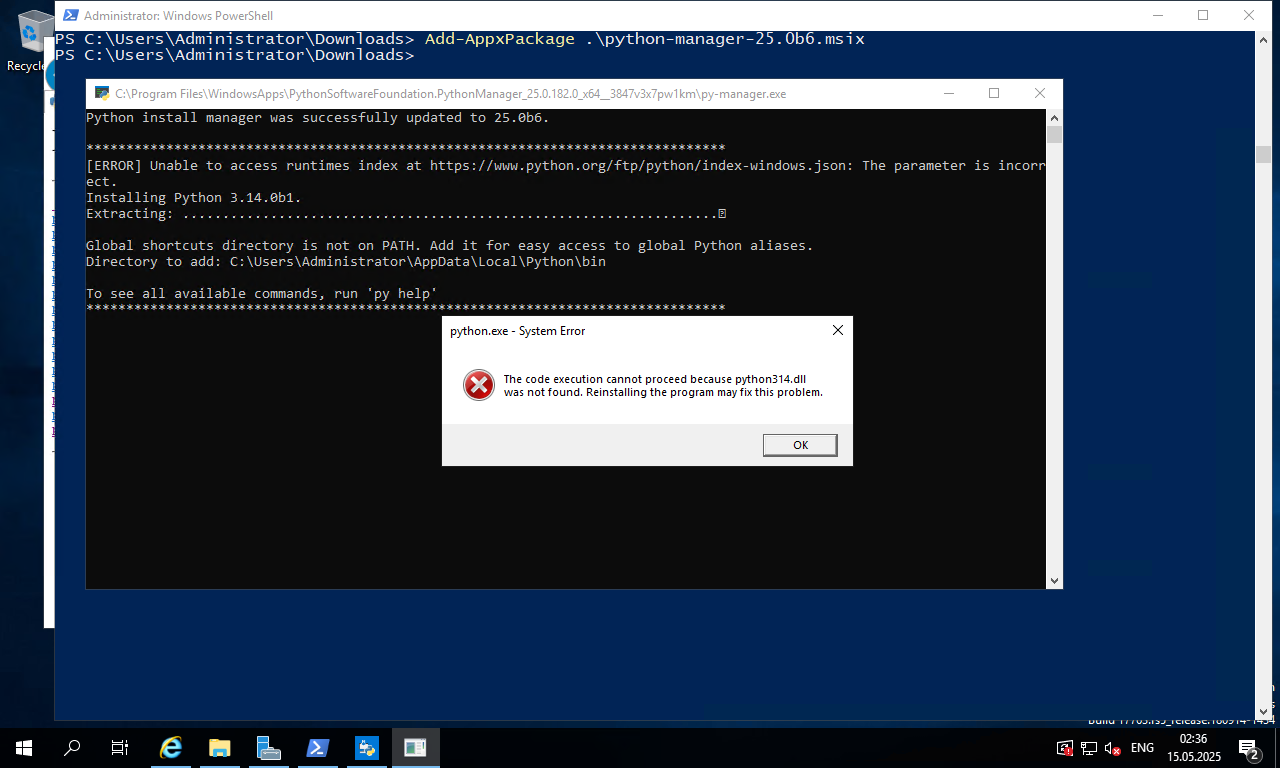
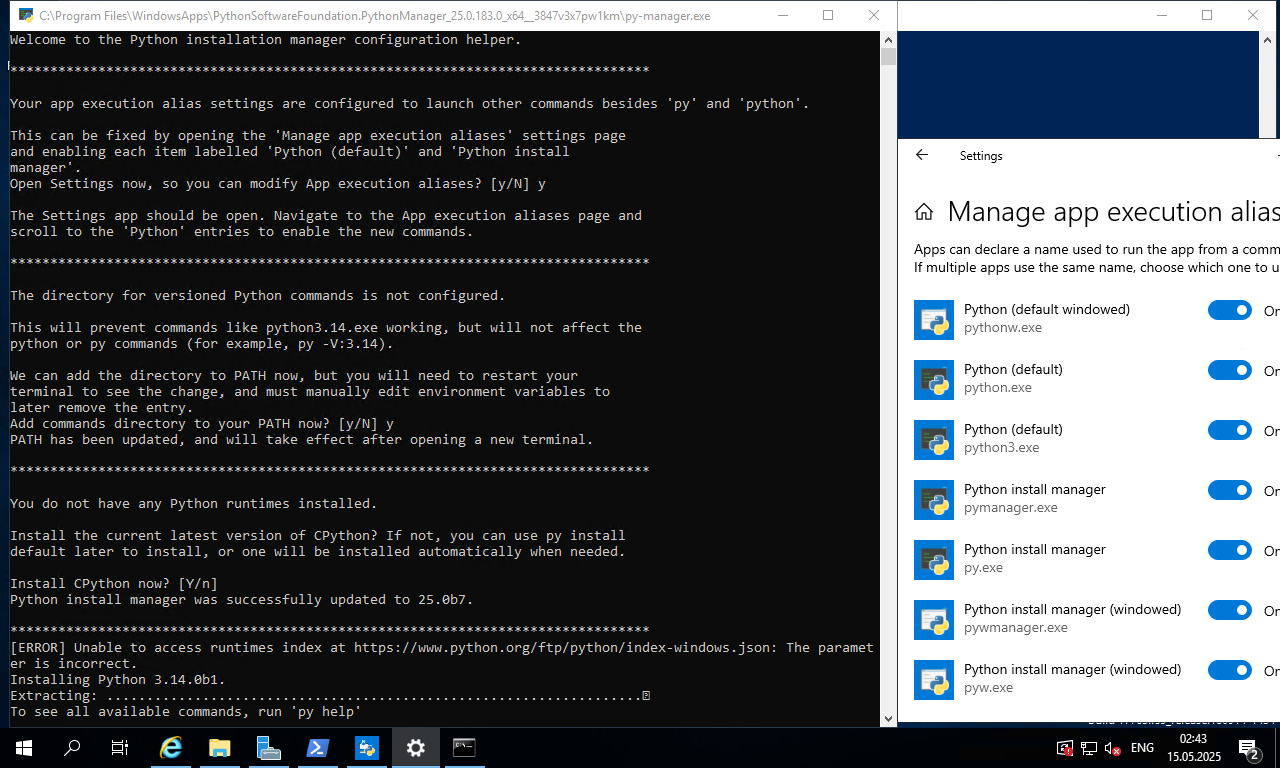
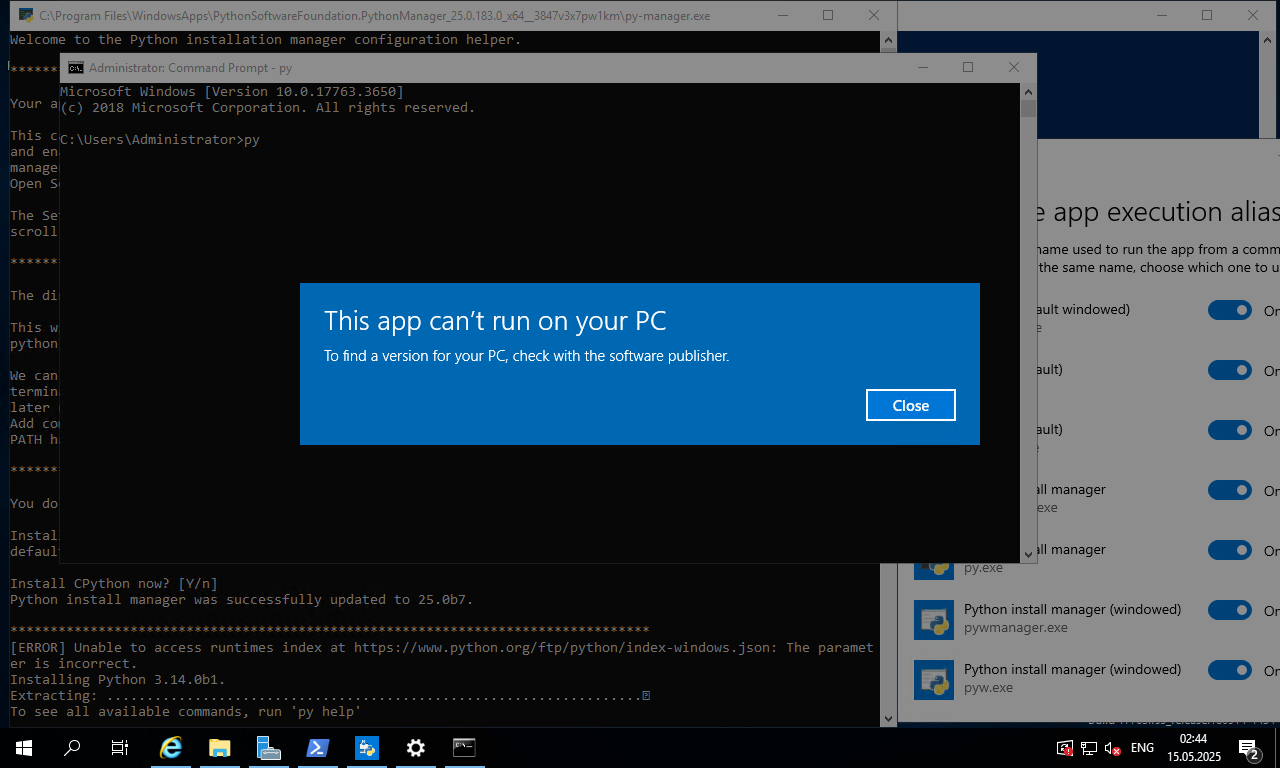
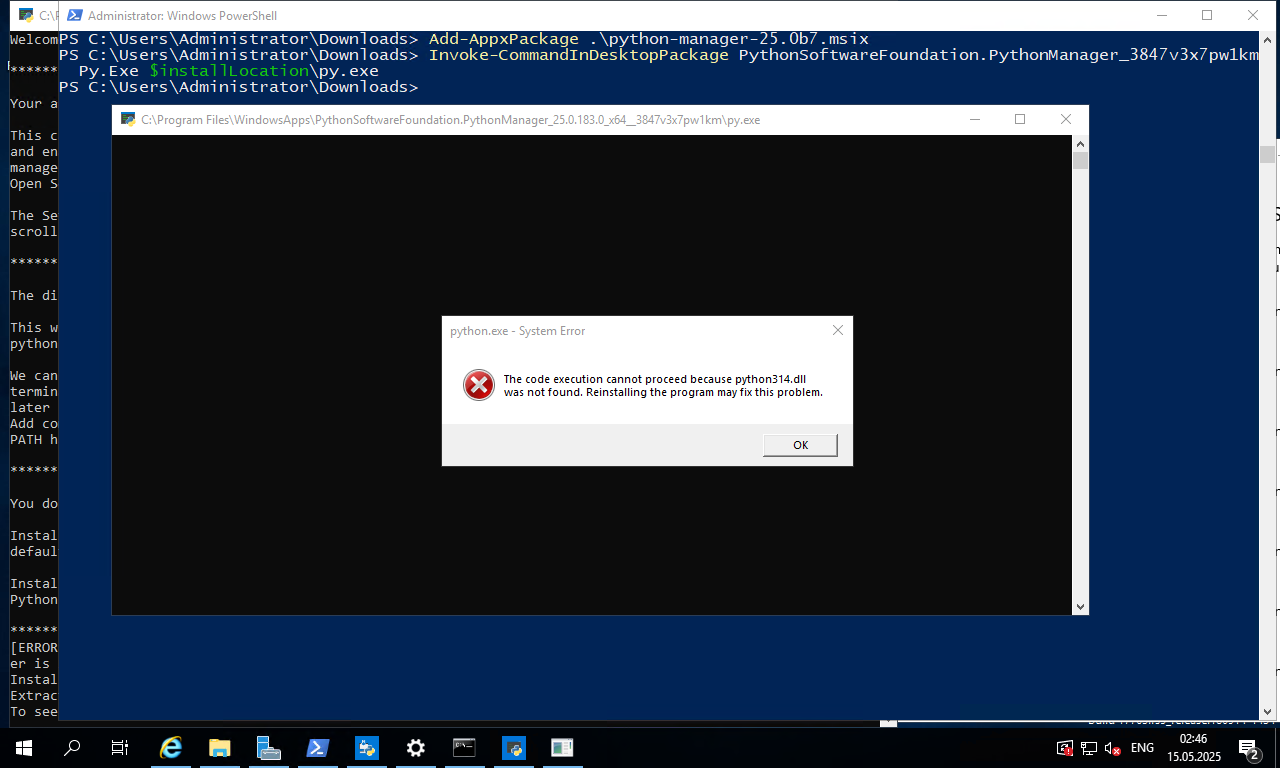
I wish I knew. I don’t know enough about the MSIX technology - every suggestion I’ve given so far about improving it seems to have been “we can’t do that”.
What I would like is that if you’ve got one of a set of known “unusual configurations”, the installer prints a message explaining the issue and advising you what to do. It appears that we don’t have any way to do that in the initial installer dialog, but I assume that we do control what the code that runs when the user selects “run after install”. That’s not ideal (I generally wouldn’t do “run after install”, because I don’t have a need for a Python prompt in a new window at that point) but if it’s the best we can do then fine.
Could we not at this point run pymanager check-settings or some similar subcommand, that did the job of trying to ensure that the user’s config was usable? That command would be potentially useful standalone, as well. For use in the installer, it could have an --initial-install option to run the existing behaviour after the check completes.
Actually, if it’s possible to omit the “Run after installing” checkbox and do that unconditionally, we could just auto-run pymanager check-settings --initial-install, and have the check finish with a “Pre-check complete - install Python 3.14 interpreter? [Y/n]” prompt.
Why does it have to be a GUI app? And how much of the “when you launch Python” is a limitation of MSIX, and how much is just not wanting to make the installation more complex? Because IMO, complexity to improve the user’s initial experience is a good investment. (That’s a genuine question, by the way - I really have no idea what MSIX can and can’t do).
Unfortunately, it feels like you’re the only person in this discussion who really knows what the MSIX is and isn’t capable of. So I’m not sure what I could volunteer for.
Also, I don’t know how to programmatically query things like “is the python.exe app alias for the store enabled” so I can’t offer to write the checking code I suggest above. And now I have a horrible feeling you’re going to say that code doesn’t have access to that information. Which means I’d question whether we should even be using an app alias, rather than just having a python.exe in the same directory as the versioned executables. After all, that’s been sufficient for years… (Disclaimer: I personally use the launcher, so my view on what’s “sufficient” is uninformed).
Yes, but realistically, very few people read the documentation until they hit a problem. That’s why I’m much more in favour of an approach that checks for known problems and then says “hey, this is going to be an issue, please check this link for instructions on what to do”.
 If it’s any consolation, I’m apparently one of the more knowledgeable people at work, too - most devs avoid packaging and installers like the plague, or massively overestimate what the install tools are capable of (and I know you know this very well
  ).
).
 And the people who ran into trouble figure out workarounds 10+ years ago and haven’t really complained about it recently. Changing anything was always going to reignite complaints, but they too will die down over time.