Starting a thread to share info about the 2026 PSF Board Election
I have one important reminder: Starting this year, the new Python Packaging Council election will be held in parallel with the PSF Board election. More information to come!
A request for folks interested in participating in either or both elections: Login to https://psfmember.org/ and update your communication preferences. Instructions on how to do so are in the blog post linked below.
And one call to action: Have you considered running for the PSF Board? It’s time to start thinking about whether you’d like to run. If you do, we recommend you find opportunities to connect with current or past Board members to find out what Board service is all about!
Check out this year’s election schedule, find instructions on voter affirmation & updating communication preferences as well as some inspiration to run for the Board on our blog:
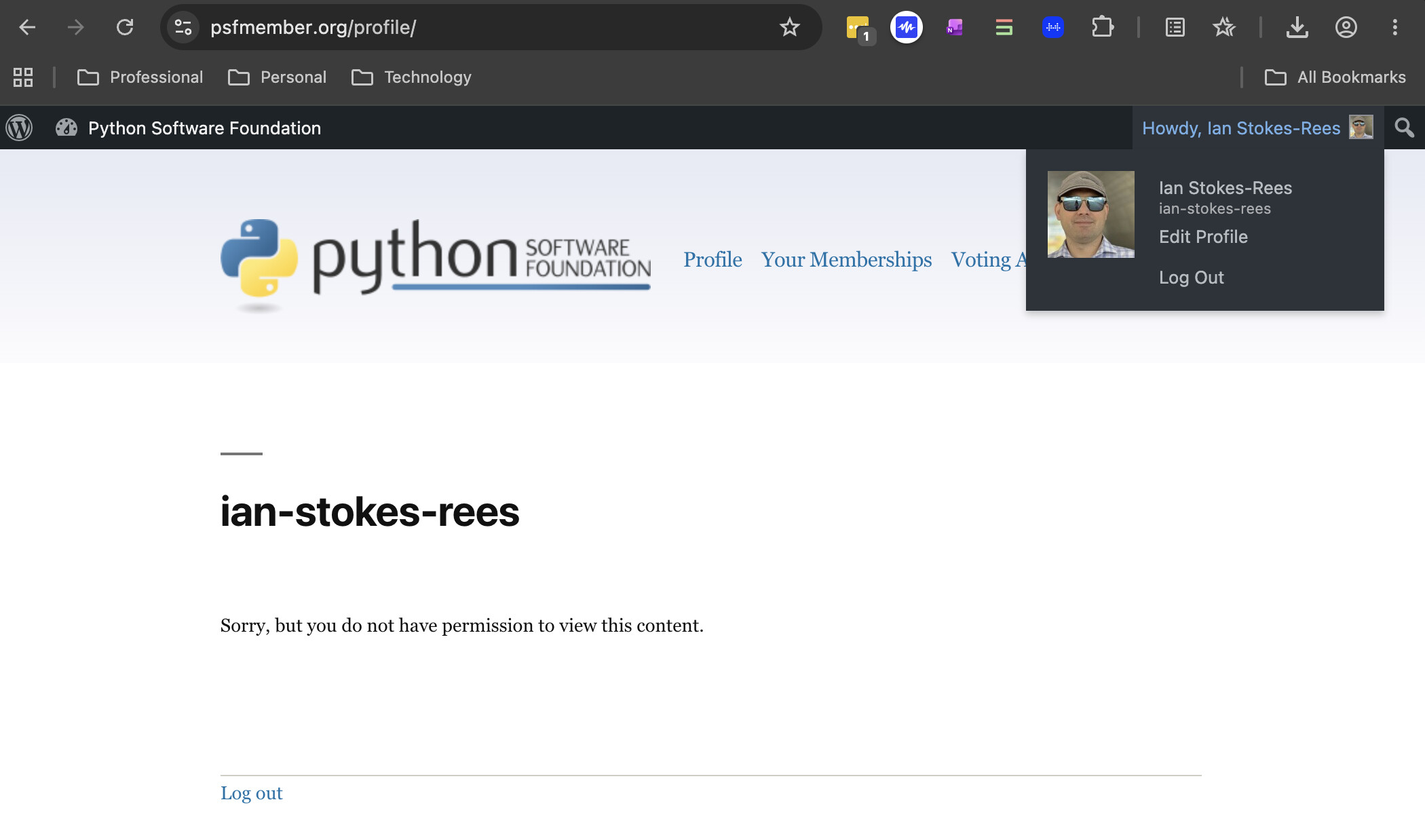
I just tried to log in to my PSF account. I got in (after having to reset my password) but now:
If I try to access my profile, I get “Sorry, but you do not have permission to view this content”.
If I go to “voting affirmation”, I get “You must have a current active membership to submit your voting affirmation”.
On my memberships, I have a contributing membership, but it’s showing as “Pending”.
As things stand, it looks like I don’t have the necessary permissions to vote (or stand) in the packaging elections. How do I get this sorted out? There’s no link on the PSF pages to contact anyone for help.
Thanks for your reply. I’ve made a couple of updates based on your experience:
I updated your Contributing Membership to active. Please check and make sure that went through properly on your side on the “Your Memberships” page on psfmember.org
Tbh, I am not sure why you got the “Sorry, but you do not have permission to view this content” for your profile. Since I’ve now updated your membership, can you go ahead and try that page again? If the issues persists I can investigate further.
Dropping an invitation to join the upcoming PSF Board Office Hour sessions in July & August to talk with the PSF Board about board service and ask any questions you may have about the election or your PSF Membership!
The two upcoming Office Hour sessions will be dedicated to the topic of the election:
I will look into the membership issue and let you know what I find.
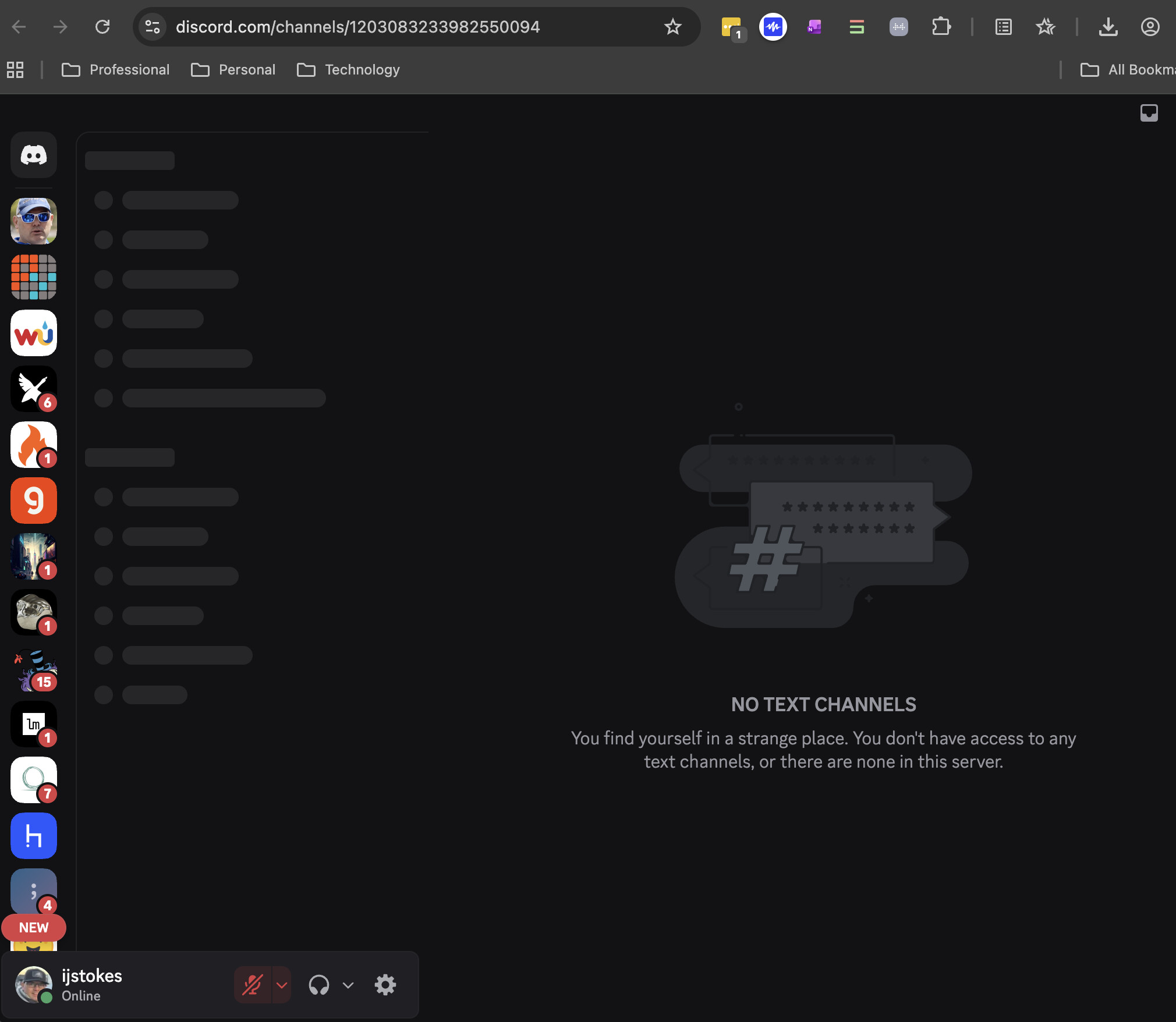
Hmmm, I think you will need to join the PSF Discord before the events will become visible? This invite link should work: Python Software Foundation If that doesn’t, please respond here to let us know.
Ok, it looks like we have duplicate accounts for you under two different emails (one has a membership, one does not) which I think might be the issue. Please email psf-elections@pyfound.org with your query so we can manage the details outside this forum
Wow, thank you for the quick response! The Discord event links worked once I accepted the invite to the channel. And I’ll contact someone about my account(s)
Hi folks! Dropping a reminder to affirm your intention to vote in this year’s elections.
Yes, if you voted in the PSF Board election last year, you will automatically be added to this years voter roll[1].
But wait… THERE’S MORE! This year is the inaugural Python Packaging Council election. So, if you have any interest in voting in that election, please check and submit your voting affirmation settings again
The PSF Board election nomination period is almost here. Which means it’s time to start psyching yourself up to self nominate (you can do it!!), nudging your Python friends who would be amazing board members, and prepping your nomination statements (for yourself or others!).
Dropping a reminder to get those nominations submitted you’ve got a little more than 24 hours to do so before the form closes! (The same deadline applies for Python Packaging Council nominations, as well.)
I’m excited to share that this year’s 18 candidates for the PSF Board election have been announced make sure to read the nominee’s statements and supporting statements- informed voting is best voting (plus, people put a lot of effort into these)!
I’ve noticed that the for the Packaging Council elections, which are happening soon, the candidates have all opened Discourse threads where they invite the electorate to ask them about their positions. Based on the discussions there so far, that seems to have been an excellent idea, and I’d like to see a similar thing happening for the PSF Board elections. Given that the elections are starting soon (Sept. 1), could we start doing the same thing here ASAP?
Hi folks! We’re a week out from the vote kick off for the 2026 PSF Board election (And you have about an hour left to affirm your intention to vote if you have yet to do so!)
In an effort to promote informed voting, the PSF Board Election Team has invited this year’s candidates to participate in a written interview. Each interview response we received has been published to the PSF blog.
Rather than voting on name recognition alone, the PSF encourages voters to read through the candidate interviews, as well as the nomination statements. It’s definitely a lot of content to get through But, PSF Board members shape real decisions about budget, programs, and the direction of the PSF. Every ballot counts and we want to ensure voters have the opportunity to understand each candidate’s platform.




 you’ve got a little more than 24 hours to do so before the form closes! (The same deadline applies for Python Packaging Council nominations, as well.)
 (And you have about an hour left to
  But, PSF Board members shape real decisions about budget, programs, and the direction of the PSF. Every ballot counts and we want to ensure voters have the opportunity to understand each candidate’s platform.