What’s a good site for running a Python script with a recent version of PyPy? Best I know is Try it online! but that’s Python 3.5. I recently saw someone using a better site but I forgot what it was.
Edit: Needs to work well on a phone. Try It Online is great in that regard, a simple HTML page with basic text fields that work well.
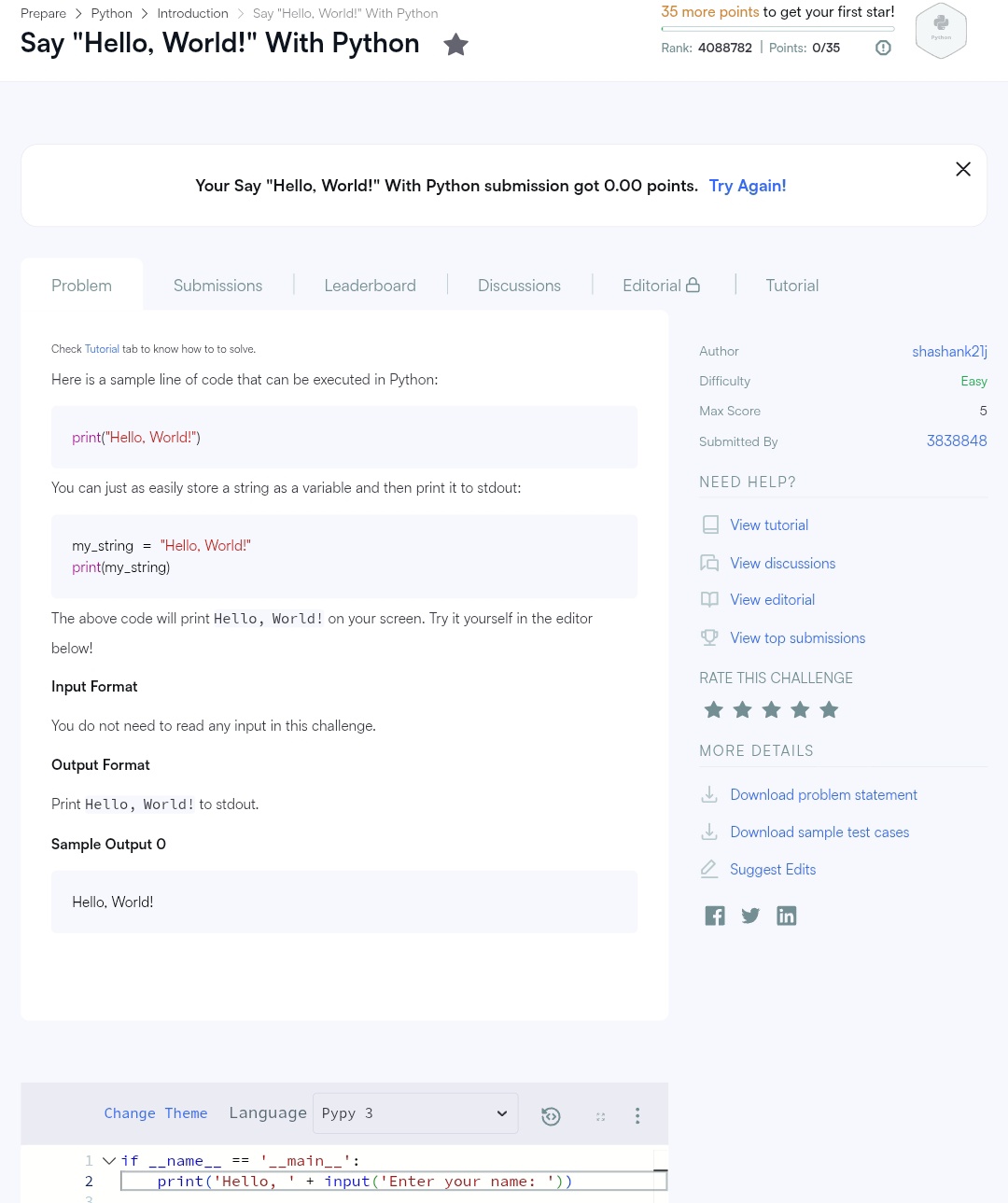
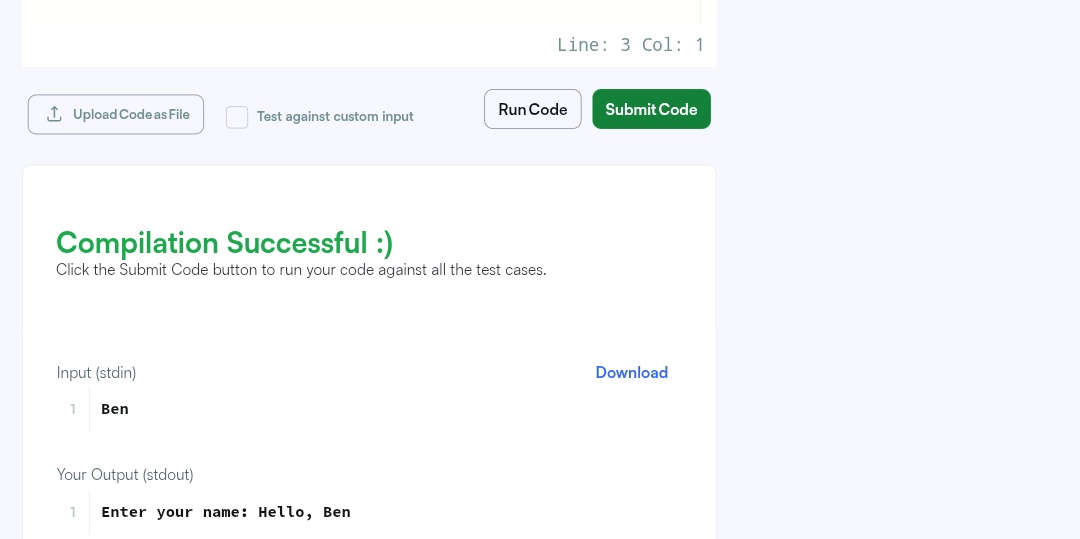
I don’t need it for sharing, but I do need to be able to write my own script, see the full output, and a UI that works alright on my phone. Looks like Hackerrank fails at least that last point, this is not usable:
Desktop mode seems to make it even worse. When I tap into the code to type there, it does a ridiculous auto-zoom so I can see only a small part of the code. Also, the editor is broken, won’t even let me select lines.
Godbolt’s UI is just horrible, I pretty much can’t do anything.
I’ll update my initial post to clarify the need for usability on a phone.
You can also use repl.it, which offers pypy 3.10 (just type pypy3 in the shell tab to install it in your project environment). It’s also possible to download and install pypy 3.11 from the release tarball, or even build the latest pypy from source in the environment.
The site is highly phone-friendly and it even has a very polished app to do just about everything the site can do.
I’ve been using online-python for quite some time, it’s sadly not the newest, and it’s full of adds, but it’s easy to use on mobile.
Most of the time however, I’ve found that ‘running code in your head’ works the best, and I just test it on my PC later on. Obviously stuff like syntax errors, name errors and similar easily avoidable errors happen, but they are easy to fix most of the time.
@blhsing Thanks, replit works well. I’ve been using that already, didn’t know using PyPy there is so easy. Ran my script with pypy3 main.py in a shell now.
(Off-topic replit rant: I’m frustrated how they’re making it harder and harder to create simple Python projects… There used to by a template selection (Python and other languages) right on the home page, that got replaced by some AI crap and the template selection got moved one click away on another page, and recently they removed it there as well, now I can’t even find it there at all anymore, I have to go to the help/documentation where there happens to be a Python template button. And when I create a Python project, I no longer see the main.py right away, instead they’re stuffing more AI crap into my face. And when I run the script, I no longer see the output tab, instead it shows a useless “preview” instead and I have to switch to the output tab.)
Yeah I totally share the frustration with the direction of the site. For a new account one is now forced to first create some AI slop before being able to access the Shell tab. Once that’s done though, you can then go straight to the good stuff without ever interacting with the AI again.